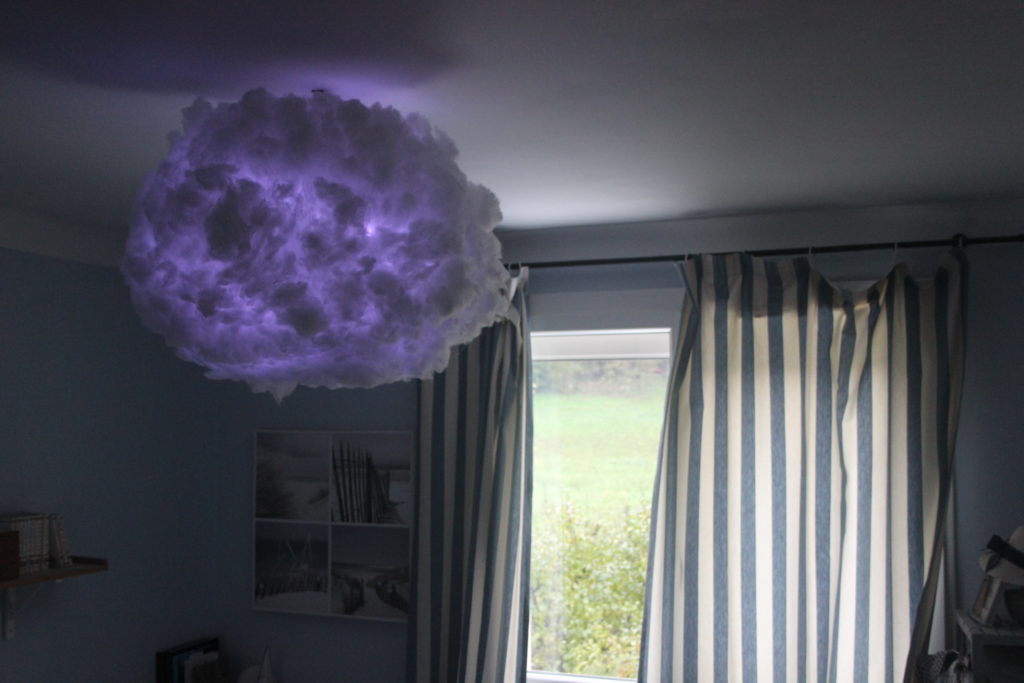

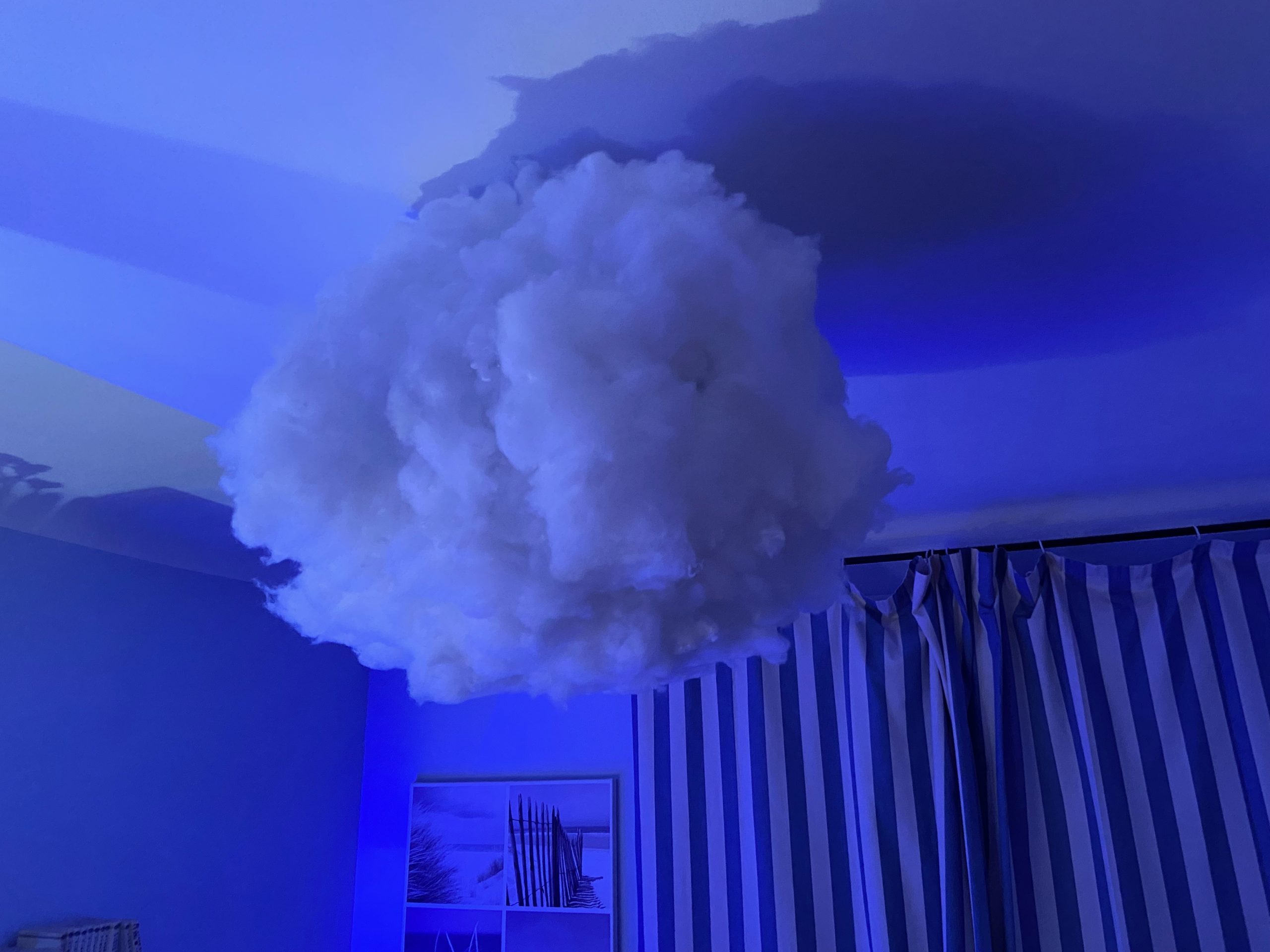
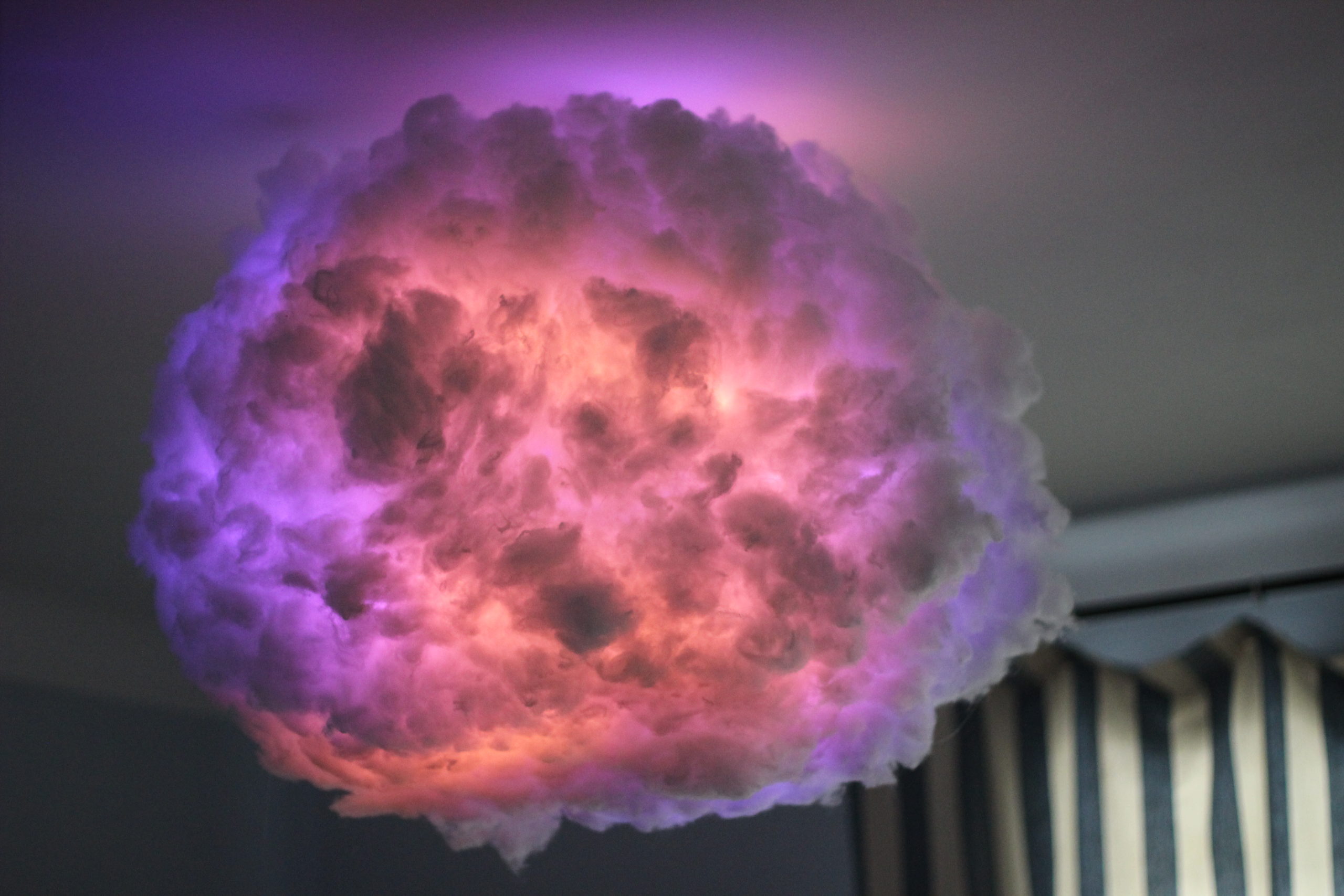
After seeing several tutorials here and there on making a DIY cloud-shaped lamp, I decided to take on the project!
You can already find objects like this on designer lighting websites for outrageous prices, sometimes over €500, when in fact it is very easy and cheap to make one yourself, with a guaranteed effect!
Before you start reading: building this project involves handling 220V alternating current. You must be careful and only connect the cables when the power is off, the wires are not exposed and the components are inside a case. Le Programmeur cannot be held responsible for any risks incurred.
THE INGREDIENTS

- Paper lantern: https://amzn.to/3EWVtbl
- 220v/5v converter: https://amzn.to/3VhyrSW
- WS2812B 5v LED strip: https://amzn.to/3Vaq3oA
- Wadding: https://amzn.to/3GKWplr
- ESP8266: https://amzn.to/3GQooAp
- Terminal blocks: https://amzn.to/3OQ4KGJ
- A hot glue gun: https://amzn.to/3Vm1zs6
- A 3D printer for the case
- Some wire, a soldering iron and solder
STEP 1: LET THERE BE LIGHT
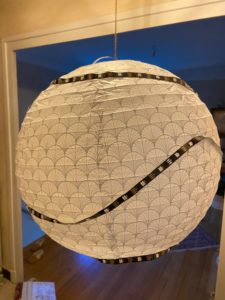
Wrap the LED strip around the paper ball and glue it on with the glue gun.
The connector must be at the top, and if the strip is too long, it can be cut (make sure you use the cutting marks).
Once you have finished, count the total number of LEDs on the strip and keep that number.
STEP 2: HEAD IN THE CLOUDS
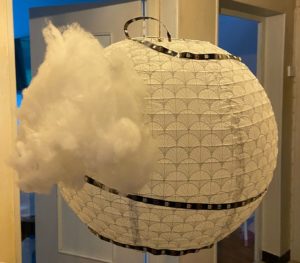
Glue the wadding on by the handful with the glue gun, starting at the top. The best technique is to take a handful of wadding, put some hot glue on it and press it onto the paper. Obviously, take care not to burn your hands
STEP 3: SUIT UP, COMPONENTS!
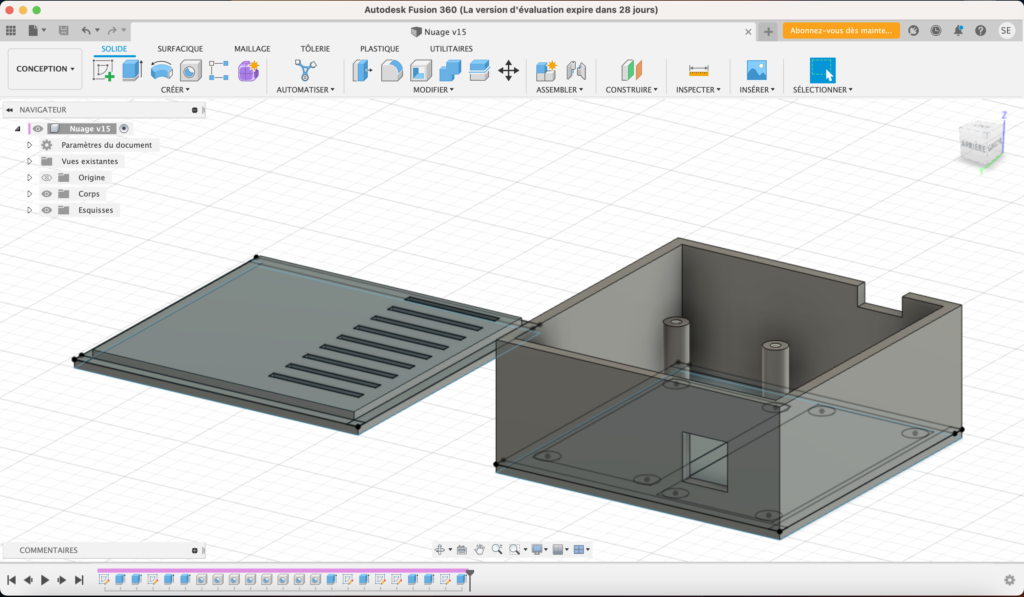
Print a case to put all our little components in.
I chose to print it in ABS in case the transformer gets a bit warm.
The STL file for the case can be downloaded here.
Next, flash the WLED firmware onto the ESP8266. To do this, connect a micro USB cable to the ESP and to the computer, then follow the documentation to flash the WLED_0.x.x_ESP8266.bin firmware.
STEP 4: ON THE WIRE
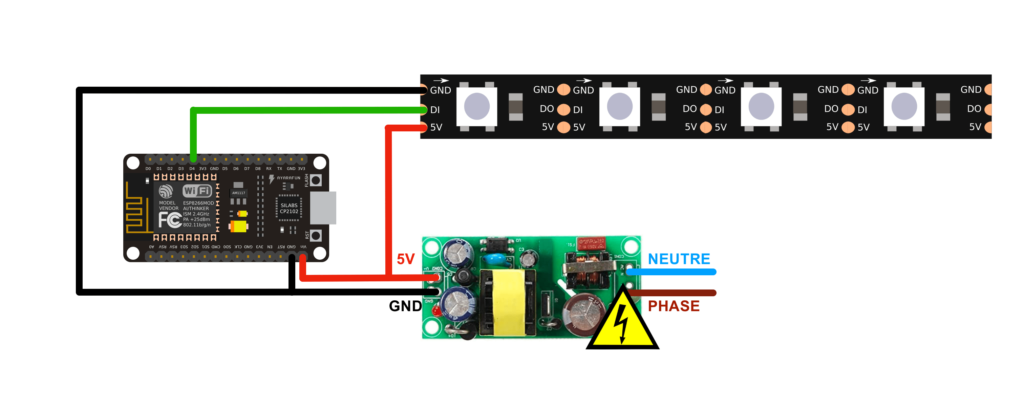
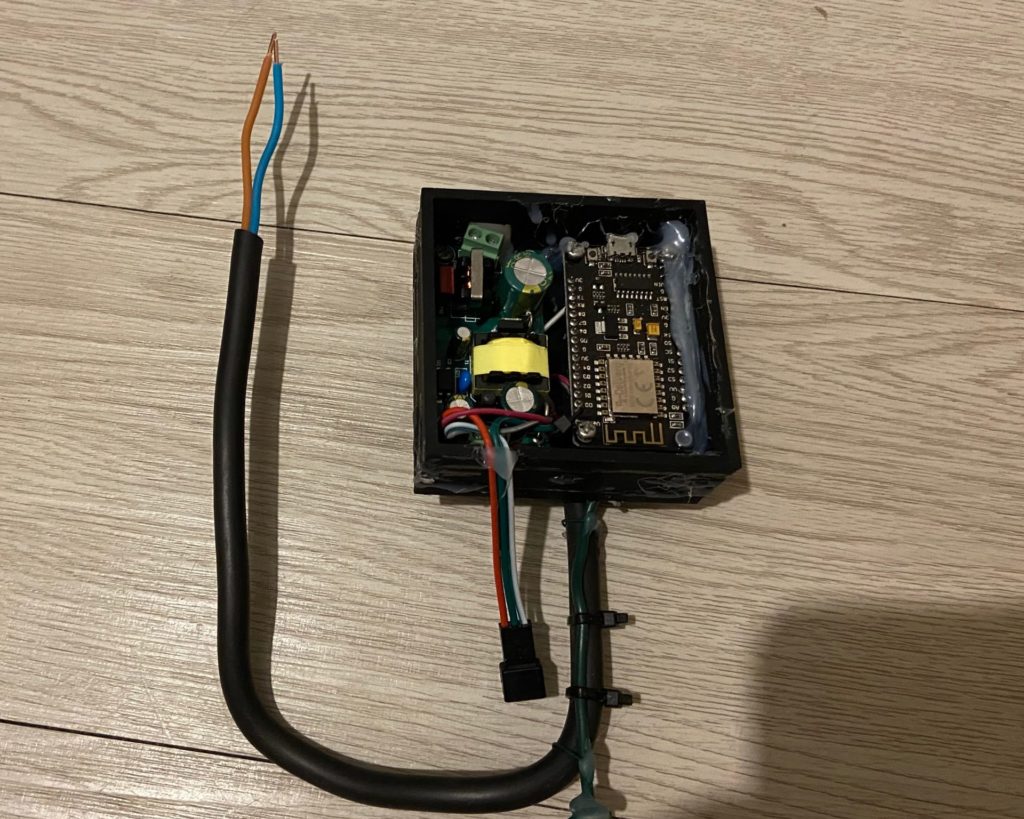
The wiring is very simple. Solder the 220V and 5V terminal blocks without wiring them.
Connect the ESP's Vin and the green/red wire of the LED strip to the + of the transformer on the 5V side.
Connect the ESP's GND and the white wire of the LED strip to the - of the transformer on the 5V side.
Finally, connect the middle wire of the LED strip to pin D4 of the ESP.
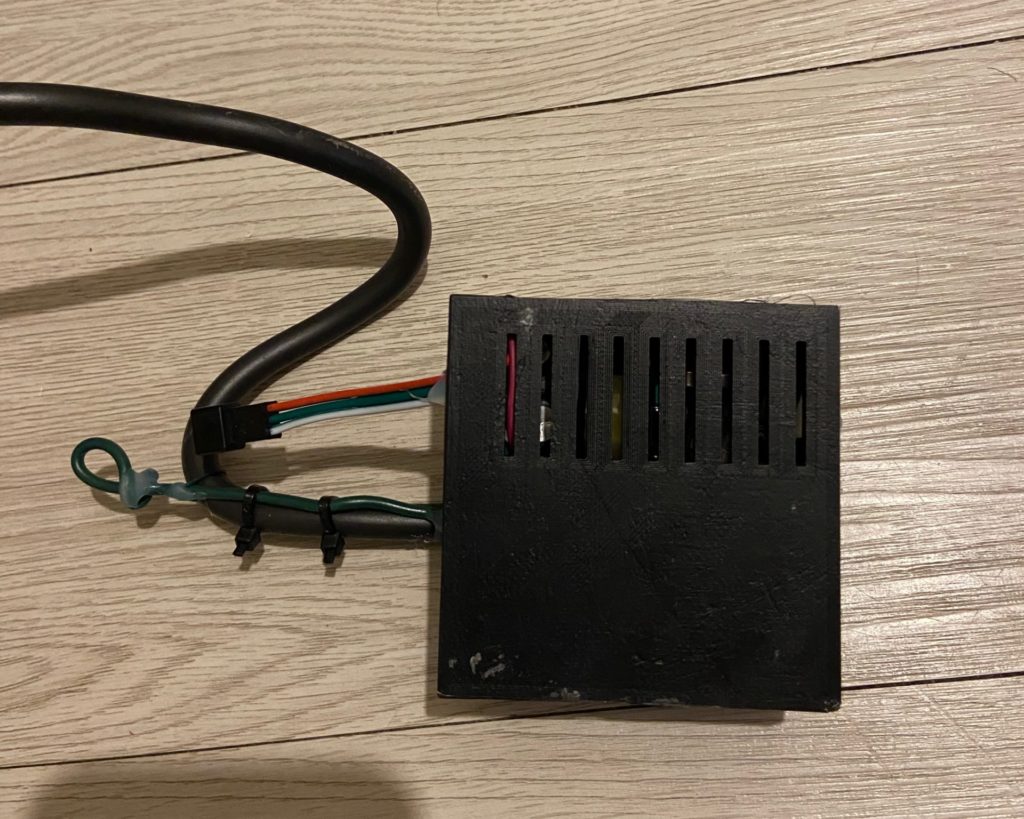
Screw the components into the case.
Connect a 220V cable (to the transformer only, as in the picture below). Close the case (you may need to glue it). The vent must be above the transformer.
STEP 5: FIRST CONTACT
Once everything is assembled, plugged in and hung up, flip the switch to start it.
On your computer, connect to the WLED-AP access point with the password wled1234.
Then, in a browser, go to this address.
Go to the Config / WIFi Setup tab, enter your WiFi network and click save and connect. You will need to find the module's IP on your network and then replace it in your browser's address bar.
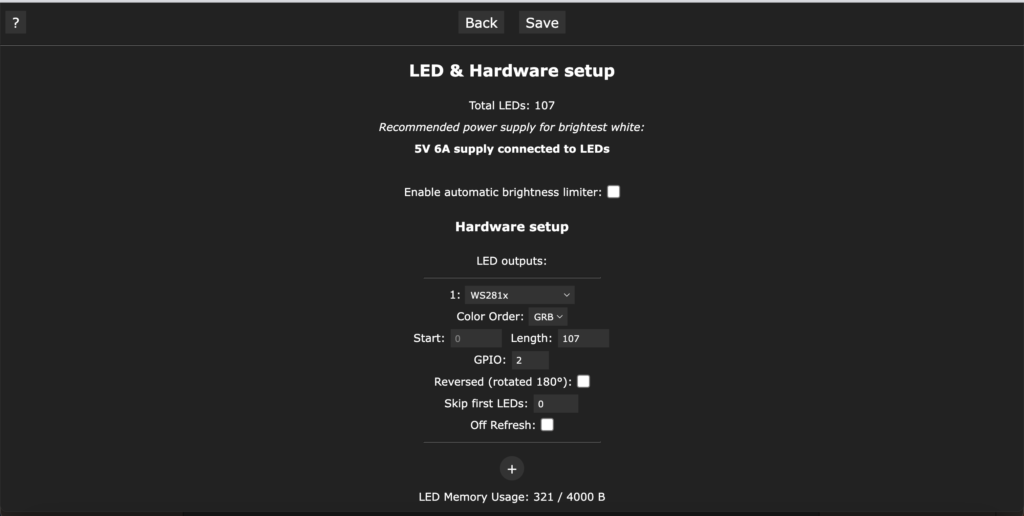
Finally, go to the Config / Led Preferences tab and enter the following settings:
- Untick Enable automatic brightness limiter
- LED outputs WS281x
- GPIO 2
- Length: the number of LEDs you have cut
Save
You can then play around with the interface, for example by simulating a thunderstorm!